Create automatic Mind Maps from your videos with AI
Turn lessons into visual and interactive summaries in minutes.
+30.000 customers
Between content creators, companies, and e-learning
+30 features
To increase engagement and sales in videos
+2 million
Videos hosted on the platform

Create automatic Mind Maps from your videos with AI
Turn lessons into visual and interactive summaries in minutes.
+30.000 customers
Between content creators, companies, and e-learning
+30 features
To increase engagement and sales in videos
+2 million
Videos hosted on the platform
Create automatic Mind Maps from your videos with AI
Turn lessons into visual and interactive summaries in minutes.
+30.000 customers
Between content creators, companies, and e-learning
+30 features
To increase engagement and sales in videos
+2 million
Videos hosted on the platform


Learning
Convert video content into a visual representation of knowledge
AI-generated Mind Map
Receive a Mind Map automatically created with the key points from your video.
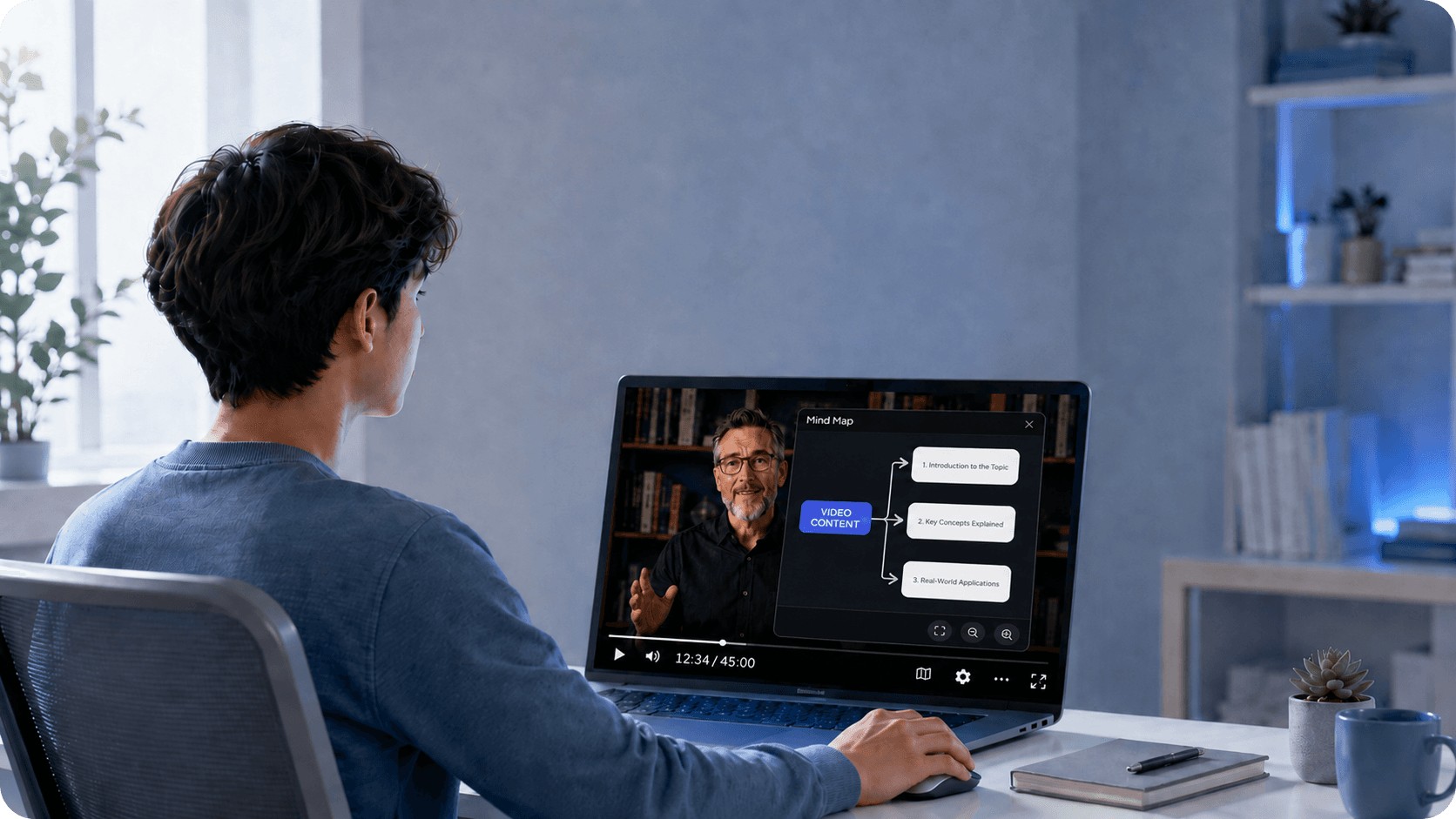
Integrated into the player
Integrated directly into the Panda Video player, in the bottom-right corner.
Interactive navigation
Viewers can adjust the zoom, drag the map, and explore each area of the content with total freedom.
Learning
Convert video content into a visual representation of knowledge
AI-generated Mind Map
Receive a Mind Map automatically created with the key points from your video.
Integrated into the player
Integrated directly into the Panda Video player, in the bottom-right corner.
Interactive navigation
Viewers can adjust the zoom, drag the map, and explore each area of the content with total freedom.
Learning
Convert video content into a visual representation of knowledge
AI-generated Mind Map
Receive a Mind Map automatically created with the key points from your video.
Integrated into the player
Integrated directly into the Panda Video player, in the bottom-right corner.
Interactive navigation
Viewers can adjust the zoom, drag the map, and explore each area of the content with total freedom.

REVIEW
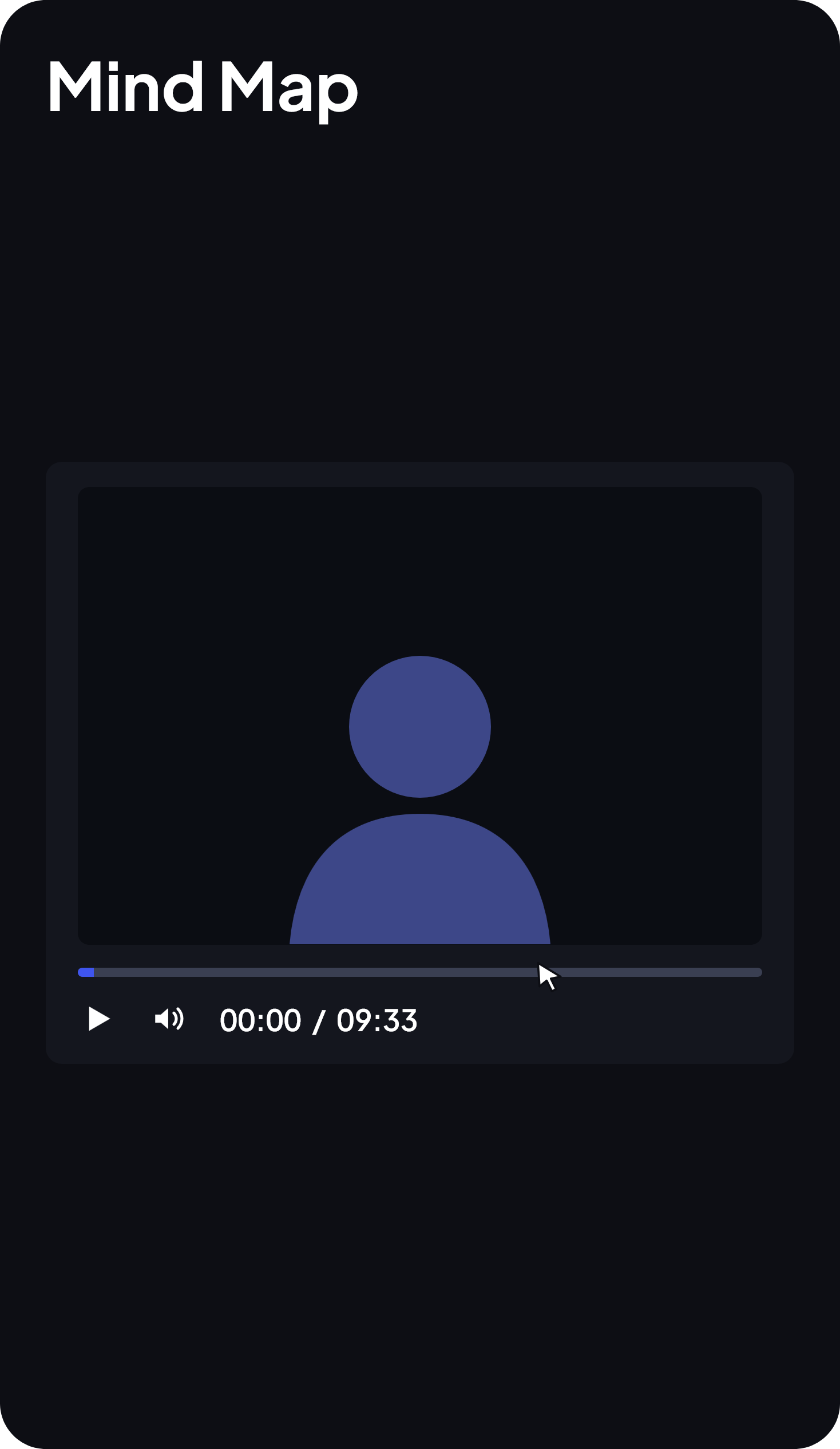
Click the map and go straight to that point in the video
Each area of the Mind Map is connected to the video. By clicking on a topic, the viewer is redirected to the exact moment when that subject is covered. Review becomes much faster and more practical.
REVIEW
Click the map and go straight to that point in the video
Each area of the Mind Map is connected to the video. By clicking on a topic, the viewer is redirected to the exact moment when that subject is covered. Review becomes much faster and more practical.
REVIEW
Click the map and go straight to that point in the video
Each area of the Mind Map is connected to the video. By clicking on a topic, the viewer is redirected to the exact moment when that subject is covered. Review becomes much faster and more practical.
BENEFITS
Make studying easier for your audience
RETENTION
Help your students retain the content
The visual representation of the key points makes it easier to understand and memorize what was taught.

ORGANIZATION
Structure the ideas in your video
The Mind Map organizes knowledge into connected topics, bringing clarity to the content automatically.

PRODUCTIVITY
Save hours of work
No need to create summaries manually. AI does all the work for you.
BENEFITS
Make studying easier for your audience
RETENTION
Help your students retain the content
The visual representation of the key points makes it easier to understand and memorize what was taught.
ORGANIZATION
Structure the ideas in your video
The Mind Map organizes knowledge into connected topics, bringing clarity to the content automatically.
PRODUCTIVITY
Save hours of work
No need to create summaries manually. AI does all the work for you.
BENEFITS
Make studying easier for your audience
RETENTION
Help your students retain the content
The visual representation of the key points makes it easier to understand and memorize what was taught.
ORGANIZATION
Structure the ideas in your video
The Mind Map organizes knowledge into connected topics, bringing clarity to the content automatically.
PRODUCTIVITY
Save hours of work
No need to create summaries manually. AI does all the work for you.

Ask your questions
Frequently Asked Questions
Don't leave the page with any questions. See the answers to the most common questions from those interested in migrating to Panda Video.
How is the Mind Map created?
It is generated automatically based on the video content and turned into a visual representation with the key points covered.
Where does the Mind Map appear for the viewer?
Directly in the Panda Video player, located in the bottom-right corner of the player.
How does the viewer interact with the map?
It’s simple: viewers can adjust the zoom with the mouse wheel, drag the map to navigate, and click any area to go to the corresponding point in the video.
Is the Mind Map free?
For Gold plan customers, the feature is 100% free. On Bronze and Silver plans, activation consumes 1 credit per minute of video.
How do I activate the Mind Map on my video?
Access the Dashboard, go to the Videos tab, select the video and, in the panel on the right, enable the “Mind Map” option.
Ask your questions
Frequently Asked Questions
Don't leave the page with any questions. See the answers to the most common questions from those interested in migrating to Panda Video.
How is the Mind Map created?
It is generated automatically based on the video content and turned into a visual representation with the key points covered.
Where does the Mind Map appear for the viewer?
Directly in the Panda Video player, located in the bottom-right corner of the player.
How does the viewer interact with the map?
It’s simple: viewers can adjust the zoom with the mouse wheel, drag the map to navigate, and click any area to go to the corresponding point in the video.
Is the Mind Map free?
For Gold plan customers, the feature is 100% free. On Bronze and Silver plans, activation consumes 1 credit per minute of video.
How do I activate the Mind Map on my video?
Access the Dashboard, go to the Videos tab, select the video and, in the panel on the right, enable the “Mind Map” option.
Ask your questions
Frequently Asked Questions
Don't leave the page with any questions. See the answers to the most common questions from those interested in migrating to Panda Video.
How is the Mind Map created?
It is generated automatically based on the video content and turned into a visual representation with the key points covered.
Where does the Mind Map appear for the viewer?
Directly in the Panda Video player, located in the bottom-right corner of the player.
How does the viewer interact with the map?
It’s simple: viewers can adjust the zoom with the mouse wheel, drag the map to navigate, and click any area to go to the corresponding point in the video.
Is the Mind Map free?
For Gold plan customers, the feature is 100% free. On Bronze and Silver plans, activation consumes 1 credit per minute of video.
How do I activate the Mind Map on my video?
Access the Dashboard, go to the Videos tab, select the video and, in the panel on the right, enable the “Mind Map” option.