Add automatic quizzes to your videos with AI
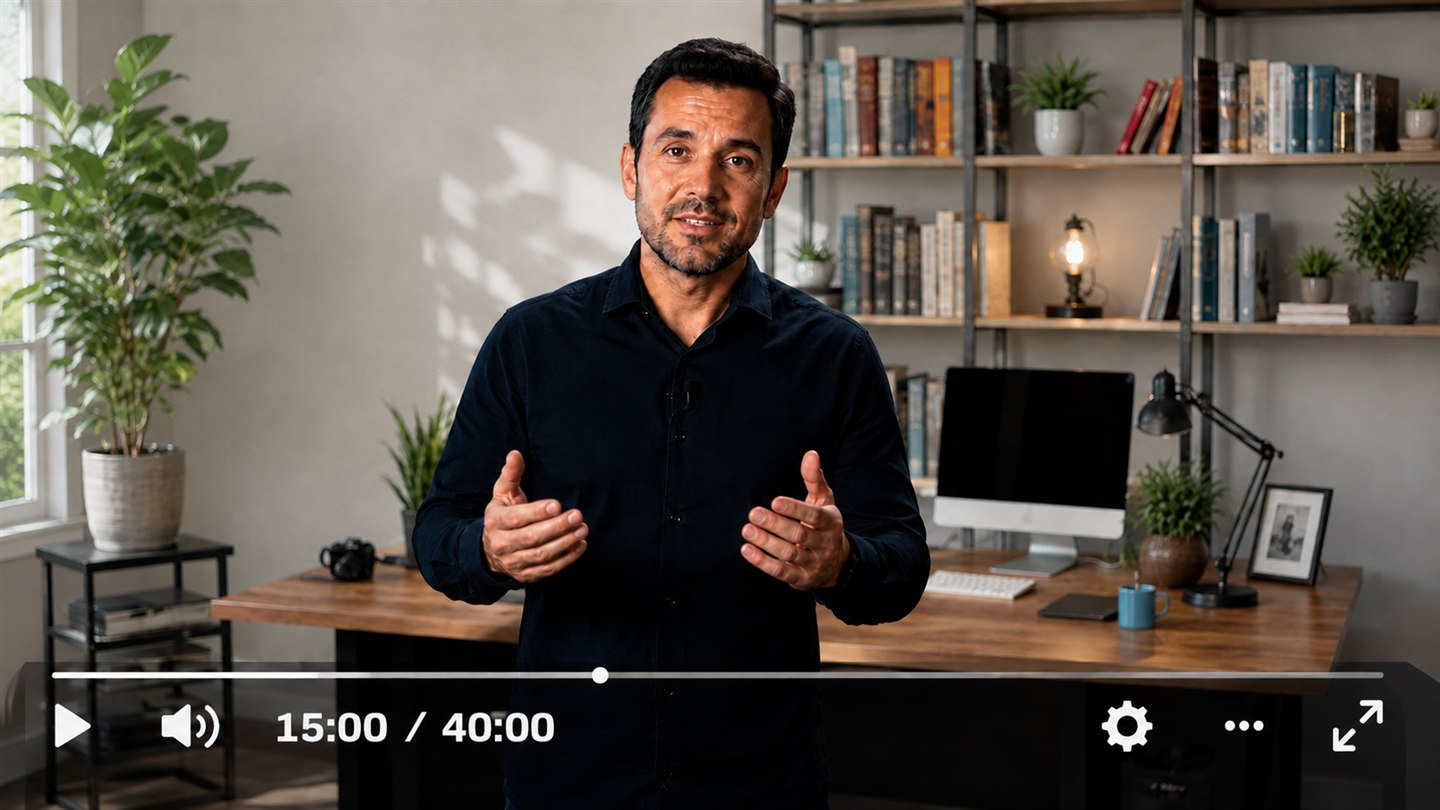
Turn lessons and content into interactive experiences with questions automatically generated in the player.
+30.000 customers
Between content creators, companies, and e-learning
+30 features
To increase engagement and sales in videos
+2 million
Videos hosted on the platform

Add automatic quizzes to your videos with AI
Turn lessons and content into interactive experiences with questions automatically generated in the player.
+30.000 customers
Between content creators, companies, and e-learning
+30 features
To increase engagement and sales in videos
+2 million
Videos hosted on the platform
Add automatic quizzes to your videos with AI
Turn lessons and content into interactive experiences with questions automatically generated in the player.
+30.000 customers
Between content creators, companies, and e-learning
+30 features
To increase engagement and sales in videos
+2 million
Videos hosted on the platform

Learning
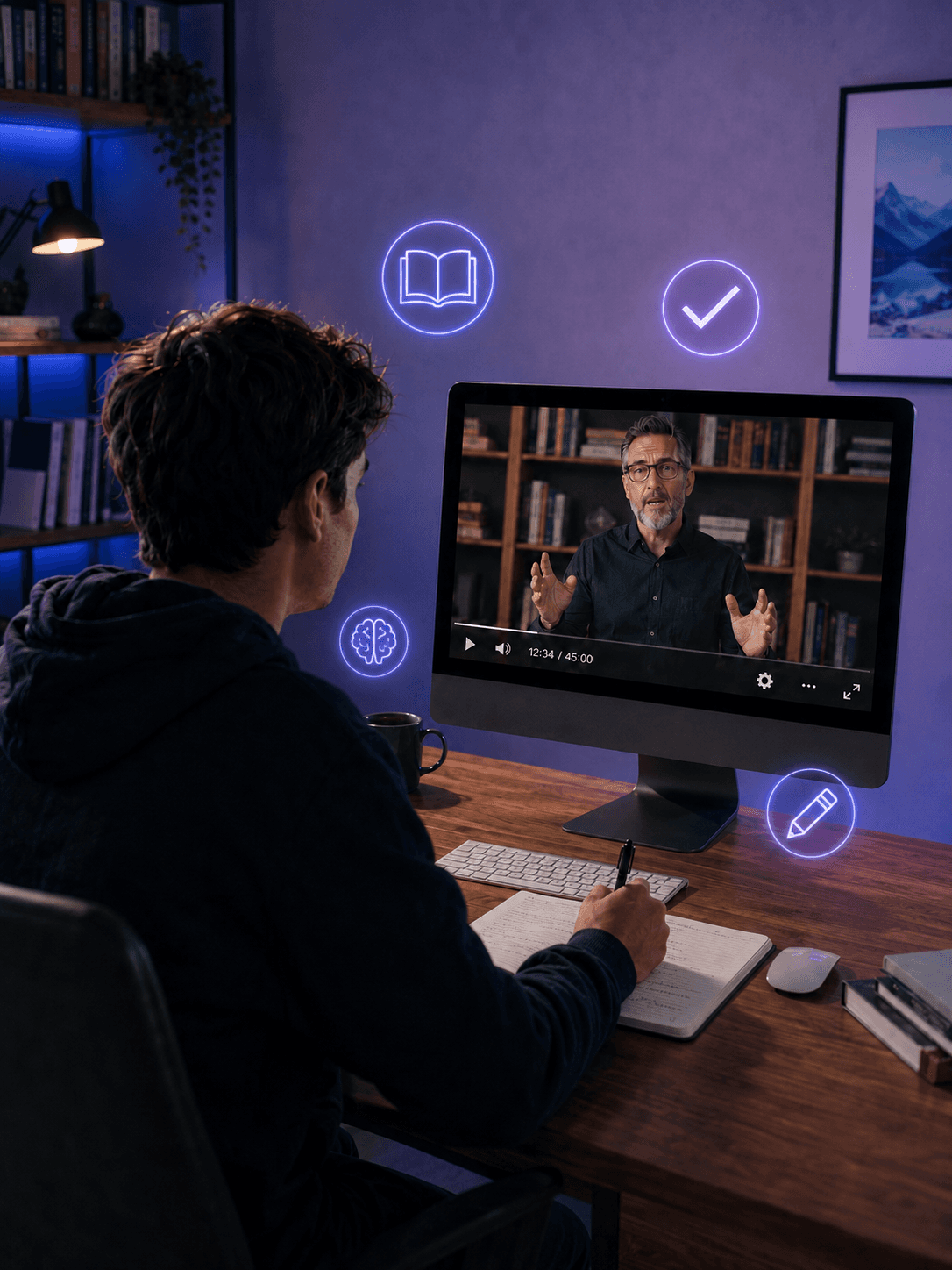
Generate multiple-choice questions based on the video content
AI-generated Quiz
Relevant questions are automatically created based on the topic of your video.
Immediate feedback
Your viewer knows right away whether they got it right or wrong, reinforcing learning with each answer.
Integrated into the player
The Quiz is available directly in the Panda Video player, in the bottom-right corner.
Learning
Generate multiple-choice questions based on the video content
AI-generated Quiz
Relevant questions are automatically created based on the topic of your video.
Immediate feedback
Your viewer knows right away whether they got it right or wrong, reinforcing learning with each answer.
Integrated into the player
The Quiz is available directly in the Panda Video player, in the bottom-right corner.
Learning
Generate multiple-choice questions based on the video content
AI-generated Quiz
Relevant questions are automatically created based on the topic of your video.
Immediate feedback
Your viewer knows right away whether they got it right or wrong, reinforcing learning with each answer.
Integrated into the player
The Quiz is available directly in the Panda Video player, in the bottom-right corner.


PERSONALIZATION
Edit and add your own questions
AI creates the foundation, and you have final control. Adjust the generated questions or add new ones to keep the Quiz aligned with your content and teaching goals.
PERSONALIZATION
Edit and add your own questions
AI creates the foundation, and you have final control. Adjust the generated questions or add new ones to keep the Quiz aligned with your content and teaching goals.
PERSONALIZATION
Edit and add your own questions
AI creates the foundation, and you have final control. Adjust the generated questions or add new ones to keep the Quiz aligned with your content and teaching goals.
BENEFITS
Enable AI quizzes and make your video more interactive

ENGAGEMENT
Capture your audience’s attention
Questions throughout the video turn passive viewers into active participants in the content.

LEARNING
Reinforce student understanding
Active learning with instant feedback helps students retain the content more effectively.

PRODUCTIVITY
Create assessments in seconds
Let AI handle the hard work. Questions are created automatically from the video.
BENEFITS
Enable AI quizzes and make your video more interactive
ENGAGEMENT
Capture your audience’s attention
Questions throughout the video turn passive viewers into active participants in the content.
LEARNING
Reinforce student understanding
Active learning with instant feedback helps students retain the content more effectively.
PRODUCTIVITY
Create assessments in seconds
Let AI handle the hard work. Questions are created automatically from the video.
BENEFITS
Enable AI quizzes and make your video more interactive
ENGAGEMENT
Capture your audience’s attention
Questions throughout the video turn passive viewers into active participants in the content.
LEARNING
Reinforce student understanding
Active learning with instant feedback helps students retain the content more effectively.
PRODUCTIVITY
Create assessments in seconds
Let AI handle the hard work. Questions are created automatically from the video.

Ask your questions
Frequently Asked Questions
Don't leave the page with any questions. See the answers to the most common questions from those interested in migrating to Panda Video.
How is the Quiz created?
It is generated automatically based on the video content and creates relevant multiple-choice questions about the topic.
Can I edit the questions after they are generated?
Yes. You can edit the questions created by AI and also add new questions to the Quiz.
Where does the Quiz appear for the viewer?
Directly in the Panda Video player, located in the bottom-right corner of the player.
Is the Quiz free?
For Gold plan customers, the feature is 100% free. On Bronze and Silver plans, activation consumes 1 credit per minute of video.
How do I activate the Quiz on my video?
Access the Dashboard, go to the “Videos” tab, and select the video. In the panel on the right, under “Video Settings,” enable the “Quiz” option.
Ask your questions
Frequently Asked Questions
Don't leave the page with any questions. See the answers to the most common questions from those interested in migrating to Panda Video.
How is the Quiz created?
It is generated automatically based on the video content and creates relevant multiple-choice questions about the topic.
Can I edit the questions after they are generated?
Yes. You can edit the questions created by AI and also add new questions to the Quiz.
Where does the Quiz appear for the viewer?
Directly in the Panda Video player, located in the bottom-right corner of the player.
Is the Quiz free?
For Gold plan customers, the feature is 100% free. On Bronze and Silver plans, activation consumes 1 credit per minute of video.
How do I activate the Quiz on my video?
Access the Dashboard, go to the “Videos” tab, and select the video. In the panel on the right, under “Video Settings,” enable the “Quiz” option.
Ask your questions
Frequently Asked Questions
Don't leave the page with any questions. See the answers to the most common questions from those interested in migrating to Panda Video.
How is the Quiz created?
It is generated automatically based on the video content and creates relevant multiple-choice questions about the topic.
Can I edit the questions after they are generated?
Yes. You can edit the questions created by AI and also add new questions to the Quiz.
Where does the Quiz appear for the viewer?
Directly in the Panda Video player, located in the bottom-right corner of the player.
Is the Quiz free?
For Gold plan customers, the feature is 100% free. On Bronze and Silver plans, activation consumes 1 credit per minute of video.
How do I activate the Quiz on my video?
Access the Dashboard, go to the “Videos” tab, and select the video. In the panel on the right, under “Video Settings,” enable the “Quiz” option.