From a message to your team to a simple lesson, record with Screen Recorder
One tool to capture your screen, camera, and audio, and get your message to the people who need to see it, whenever they can.
+30.000 customers
Between content creators, companies, and e-learning
+30 features
To increase engagement and sales in videos
+2 million
Videos hosted on the platform

From a message to your team to a simple lesson, record with Screen Recorder
One tool to capture your screen, camera, and audio, and get your message to the people who need to see it, whenever they can.
+30.000 customers
Between content creators, companies, and e-learning
+30 features
To increase engagement and sales in videos
+2 million
Videos hosted on the platform
From a message to your team to a simple lesson, record with Screen Recorder
One tool to capture your screen, camera, and audio, and get your message to the people who need to see it, whenever they can.
+30.000 customers
Between content creators, companies, and e-learning
+30 features
To increase engagement and sales in videos
+2 million
Videos hosted on the platform


Recording
Everything you need to record, in one place
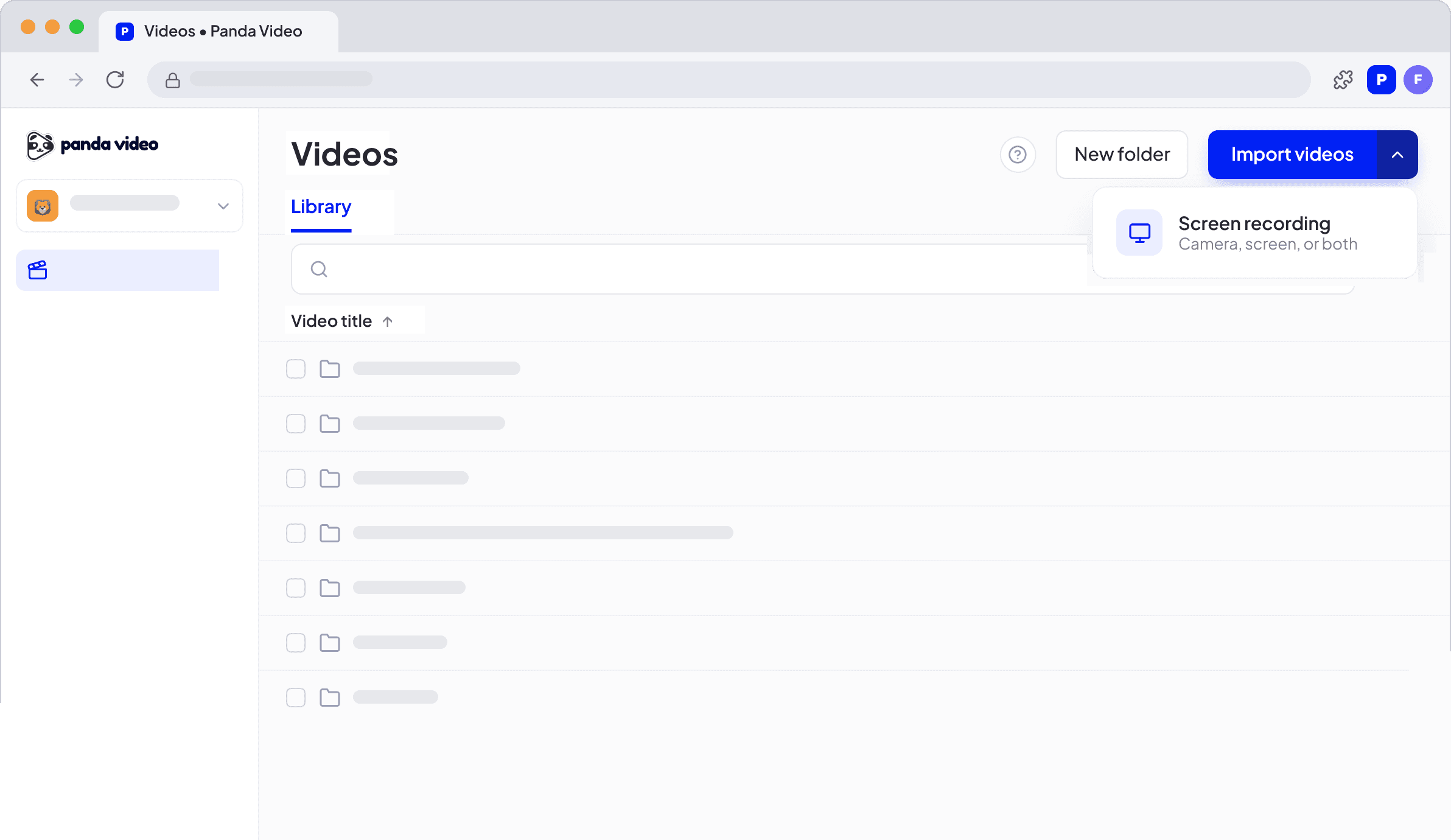
Show exactly what you need
Capture your screen, face, and voice in the same recording, with the quality your content deserves.
Directly in your library
You decide whether to download the video to your computer or keep it saved in your Panda library. The file is created already organized in the right place and ready to use.
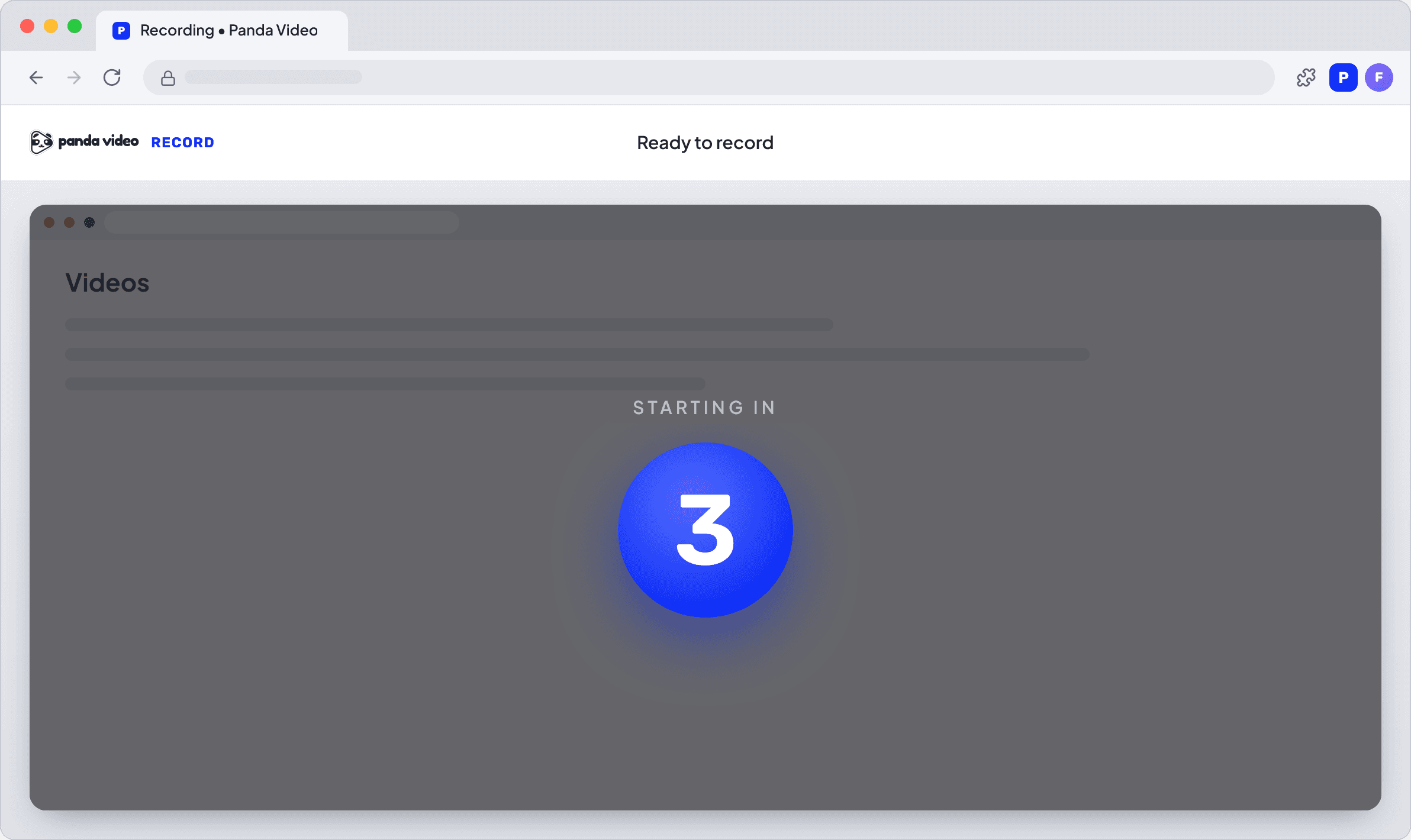
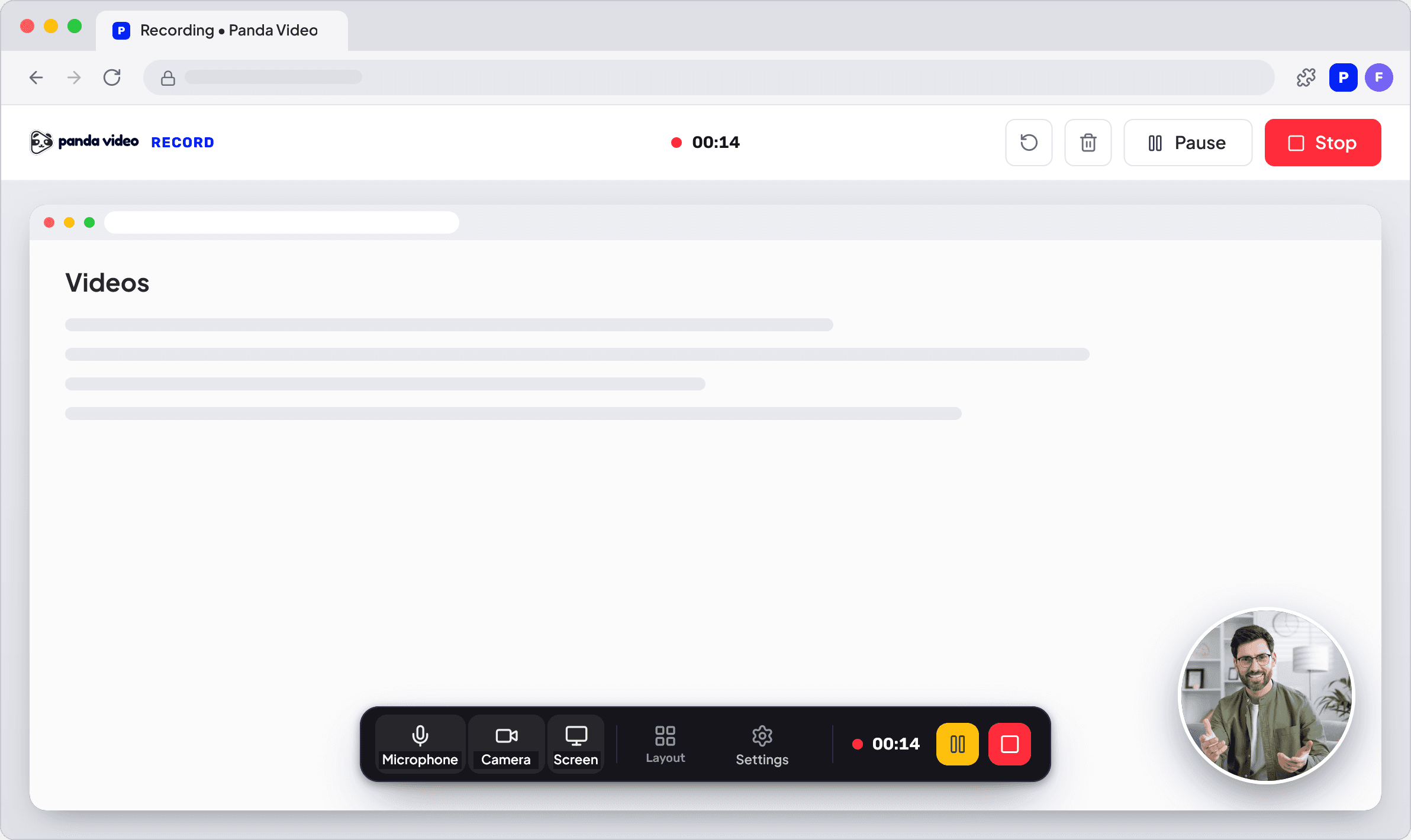
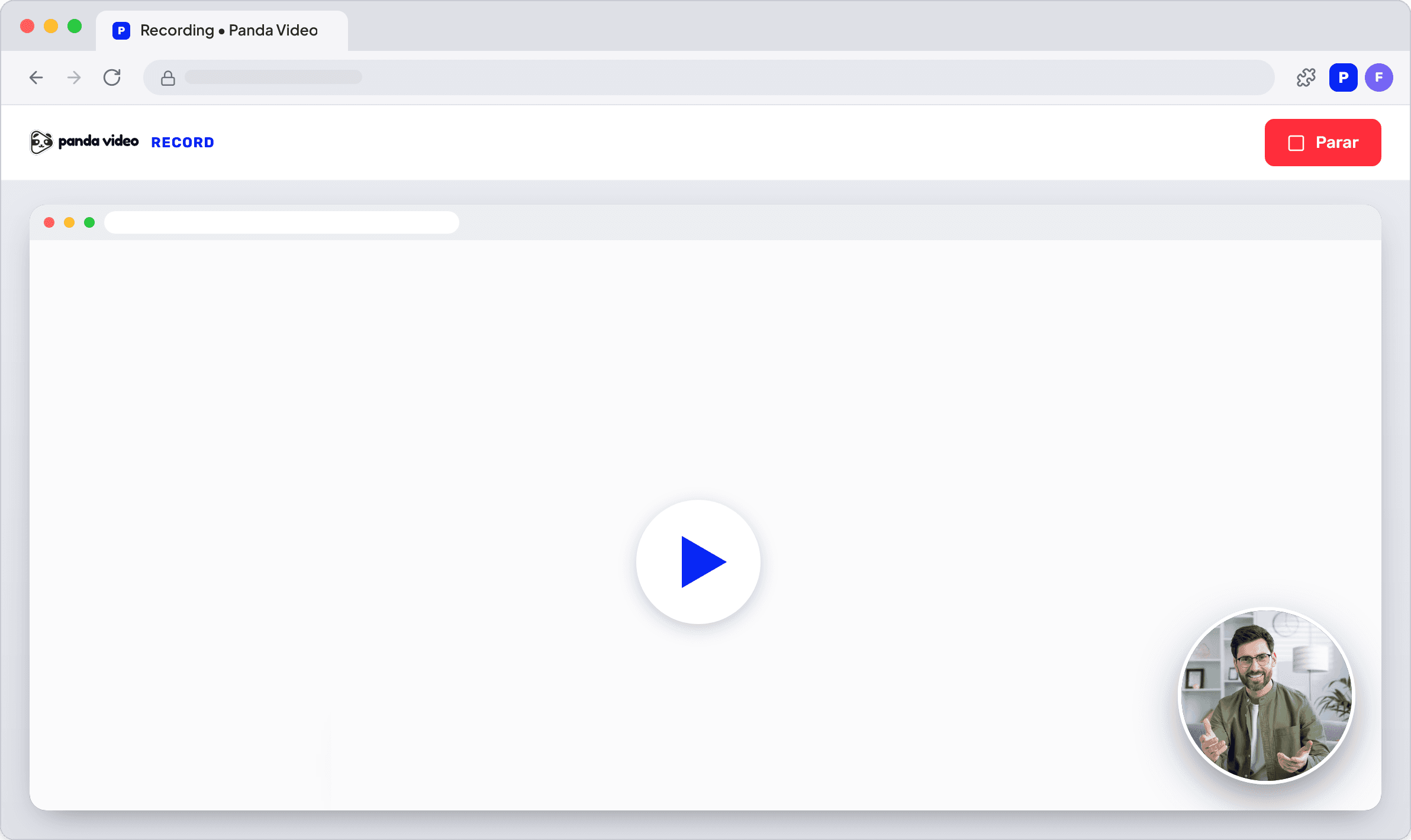
Simple recording process
Need to pause in the middle of a recording? Pause and resume whenever you want, then review the video and get the link to share it.
Recording
Everything you need to record, in one place
Show exactly what you need
Capture your screen, face, and voice in the same recording, with the quality your content deserves.
Directly in your library
You decide whether to download the video to your computer or keep it saved in your Panda library. The file is created already organized in the right place and ready to use.
Simple recording process
Need to pause in the middle of a recording? Pause and resume whenever you want, then review the video and get the link to share it.
Recording
Everything you need to record, in one place
Show exactly what you need
Capture your screen, face, and voice in the same recording, with the quality your content deserves.
Directly in your library
You decide whether to download the video to your computer or keep it saved in your Panda library. The file is created already organized in the right place and ready to use.
Simple recording process
Need to pause in the middle of a recording? Pause and resume whenever you want, then review the video and get the link to share it.

Flexibility
Record wherever it is most convenient
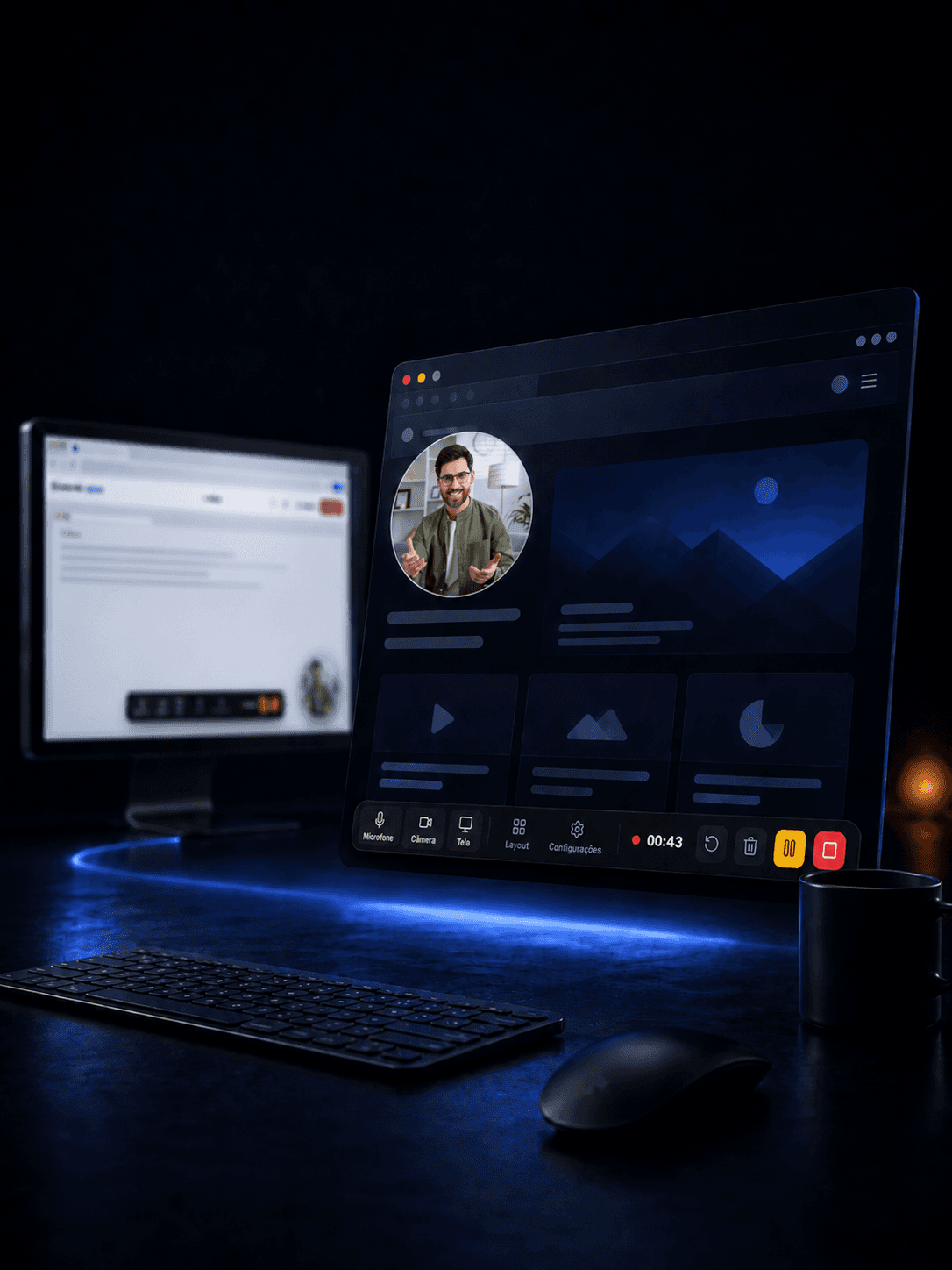
Use the recording screen in the Panda Video dashboard or the Chrome extension, which opens a floating bar over any website. In both cases, you choose whether to save the video in Panda or download it to your computer.
Flexibility
Record wherever it is most convenient
Use the recording screen in the Panda Video dashboard or the Chrome extension, which opens a floating bar over any website. In both cases, you choose whether to save the video in Panda or download it to your computer.
Flexibility
Record wherever it is most convenient
Use the recording screen in the Panda Video dashboard or the Chrome extension, which opens a floating bar over any website. In both cases, you choose whether to save the video in Panda or download it to your computer.
BENEFITS
Record, review, and share in one flow

SPEED
Shorten the path to delivery
Every step of recording, downloading the file, and uploading it to the platform now happens at once, in the same place.
SIMPLICITY
Retire external tools
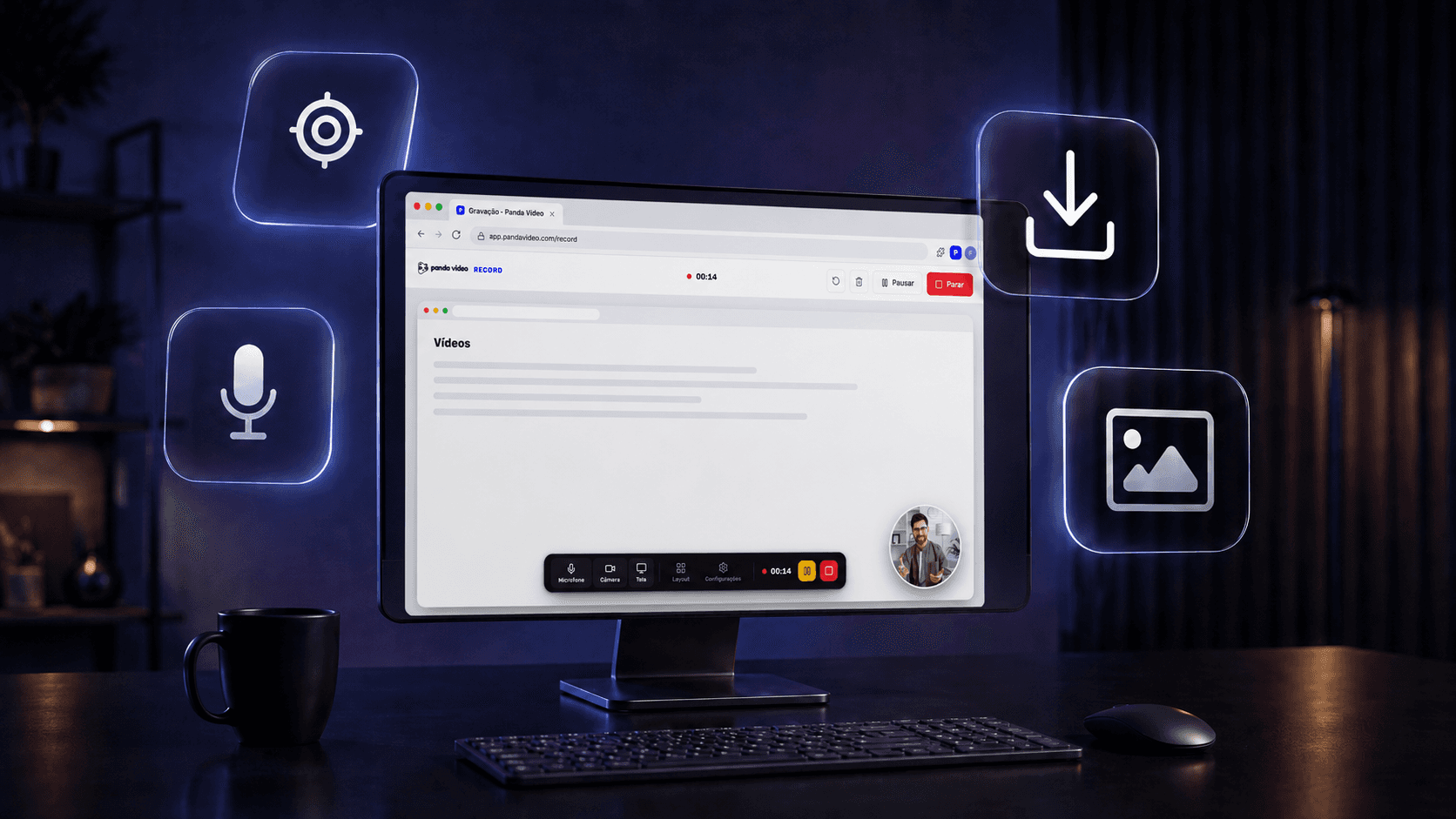
You are no longer dependent on external tools or any other software. The recording is created directly inside Panda Video.

TEACHING
Complement your lessons instantly
Need to explain a course topic better? Record your screen showing it, save it in the course folder, and attach it to the lesson in minutes.

COMMUNICATION
Replace long messages with a quick video
Record a short message showing your screen and send the link to your team. Each person can watch it whenever they can.
BENEFITS
Record, review, and share in one flow
SPEED
Shorten the path to delivery
Every step of recording, downloading the file, and uploading it to the platform now happens at once, in the same place.
SIMPLICITY
Retire external tools
You are no longer dependent on external tools or any other software. The recording is created directly inside Panda Video.
TEACHING
Complement your lessons instantly
Need to explain a course topic better? Record your screen showing it, save it in the course folder, and attach it to the lesson in minutes.
COMMUNICATION
Replace long messages with a quick video
Record a short message showing your screen and send the link to your team. Each person can watch it whenever they can.
BENEFITS
Record, review, and share in one flow
SPEED
Shorten the path to delivery
Every step of recording, downloading the file, and uploading it to the platform now happens at once, in the same place.
SIMPLICITY
Retire external tools
You are no longer dependent on external tools or any other software. The recording is created directly inside Panda Video.
TEACHING
Complement your lessons instantly
Need to explain a course topic better? Record your screen showing it, save it in the course folder, and attach it to the lesson in minutes.
COMMUNICATION
Replace long messages with a quick video
Record a short message showing your screen and send the link to your team. Each person can watch it whenever they can.

Ask your questions
Frequently Asked Questions
Don't leave the page with any questions. See the answers to the most common questions from those interested in migrating to Panda Video.
What can I record with Screen Recorder?
You choose: screen, camera, microphone, and computer audio, together or separately, in the quality you prefer.
Do I need to install any software?
No. You can record directly from the Panda dashboard or, if you prefer, through the Chrome extension, which works over any website.
Where is the video saved?
You choose the library folder before recording. When you finish, you can save it in Panda Video or download the file to your computer.
Can I pause the recording midway?
Yes. You can pause and resume whenever you want, and also review the full video before saving it.
Which browsers does it work on?
Screen Recorder works on desktop in Chrome, Edge, and Firefox browsers.
Can I share the video after recording it?
Yes. When you save it in Panda, you can immediately get the video link to share with other people.
Ask your questions
Frequently Asked Questions
Don't leave the page with any questions. See the answers to the most common questions from those interested in migrating to Panda Video.
What can I record with Screen Recorder?
You choose: screen, camera, microphone, and computer audio, together or separately, in the quality you prefer.
Do I need to install any software?
No. You can record directly from the Panda dashboard or, if you prefer, through the Chrome extension, which works over any website.
Where is the video saved?
You choose the library folder before recording. When you finish, you can save it in Panda Video or download the file to your computer.
Can I pause the recording midway?
Yes. You can pause and resume whenever you want, and also review the full video before saving it.
Which browsers does it work on?
Screen Recorder works on desktop in Chrome, Edge, and Firefox browsers.
Can I share the video after recording it?
Yes. When you save it in Panda, you can immediately get the video link to share with other people.
Ask your questions
Frequently Asked Questions
Don't leave the page with any questions. See the answers to the most common questions from those interested in migrating to Panda Video.
What can I record with Screen Recorder?
You choose: screen, camera, microphone, and computer audio, together or separately, in the quality you prefer.
Do I need to install any software?
No. You can record directly from the Panda dashboard or, if you prefer, through the Chrome extension, which works over any website.
Where is the video saved?
You choose the library folder before recording. When you finish, you can save it in Panda Video or download the file to your computer.
Can I pause the recording midway?
Yes. You can pause and resume whenever you want, and also review the full video before saving it.
Which browsers does it work on?
Screen Recorder works on desktop in Chrome, Edge, and Firefox browsers.
Can I share the video after recording it?
Yes. When you save it in Panda, you can immediately get the video link to share with other people.