Customizable online video player that converts more
Deliver a premium experience with an ad-free video player that adapts to every goal
+30.000 customers
Between content creators, companies, and e-learning
+30 features
To increase engagement and sales in videos
+2 million
Videos hosted on the platform

Customizable online video player that converts more
Deliver a premium experience with an ad-free video player that adapts to every goal
+30.000 customers
Between content creators, companies, and e-learning
+30 features
To increase engagement and sales in videos
+2 million
Videos hosted on the platform
Customizable online video player that converts more
Deliver a premium experience with an ad-free video player that adapts to every goal
+30.000 customers
Between content creators, companies, and e-learning
+30 features
To increase engagement and sales in videos
+2 million
Videos hosted on the platform

PLAYER APPEARANCE
Customize every detail of your video player
Color settings
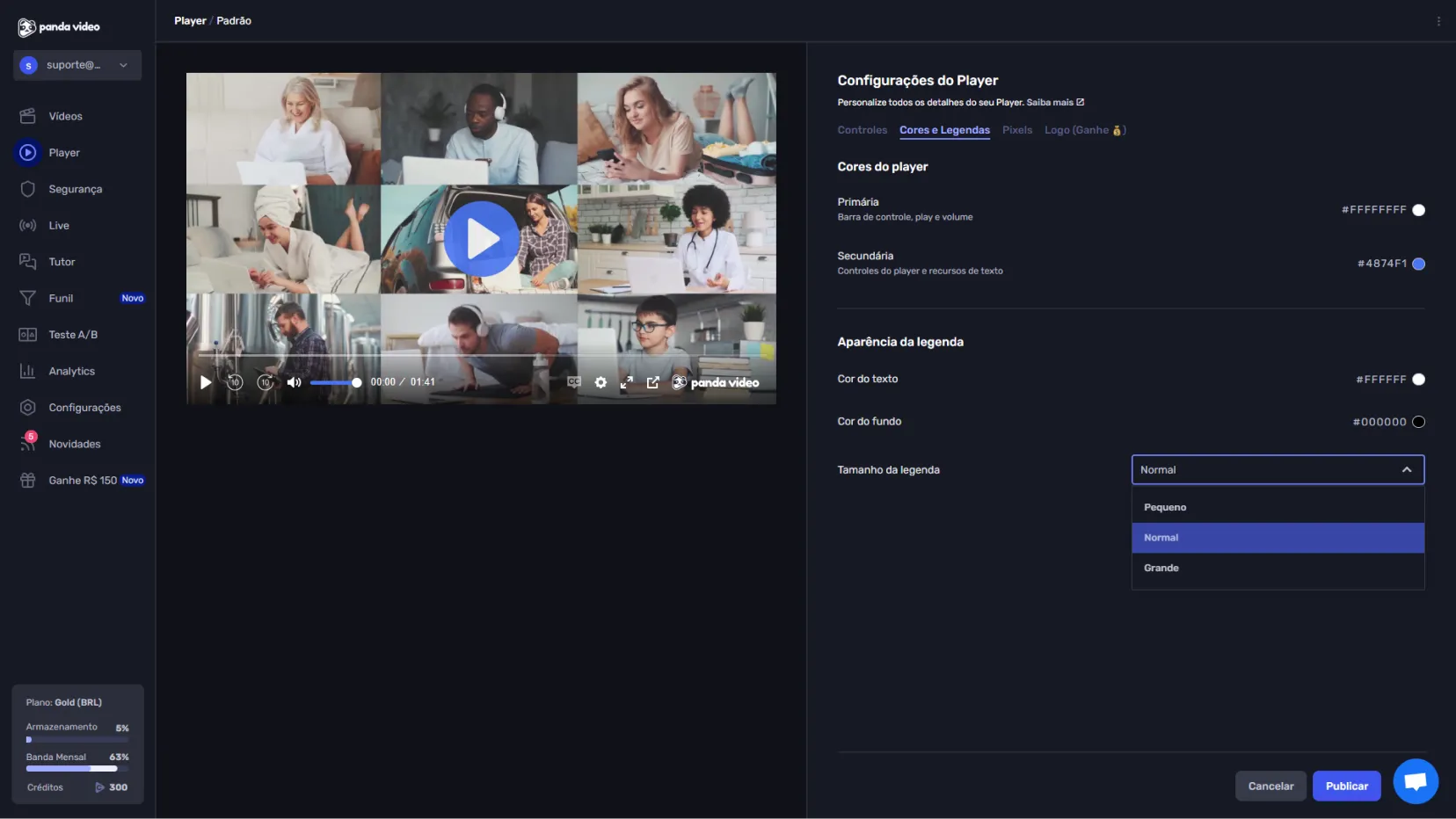
Choose the colors that best match your brand to reinforce your visual identity.
Video controls and behavior
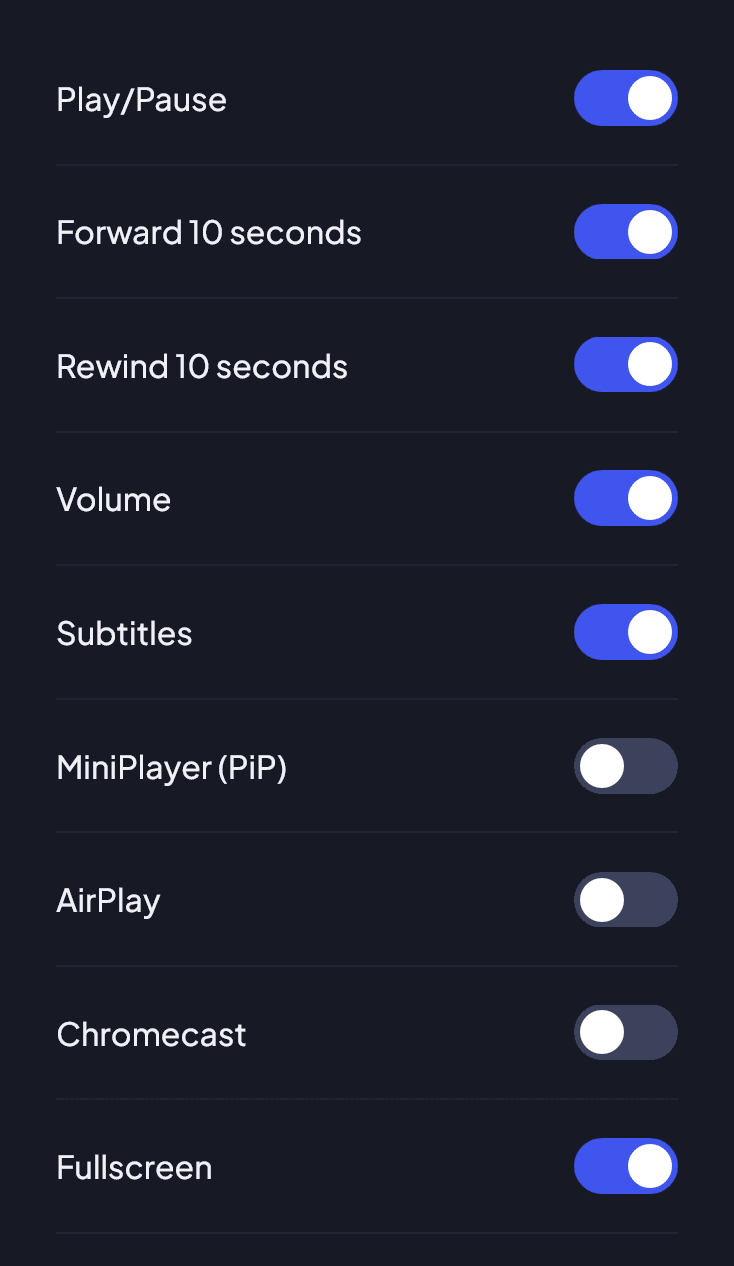
Choose which buttons and actions can be available to the viewer. Progress bar, pause, full screen, etc.
Audio and AI options
Make audio available in other languages and embed Panda Video AI features, such as Mind Map, Ebook, and Quiz.
PLAYER APPEARANCE
Customize every detail of your video player
Color settings
Choose the colors that best match your brand to reinforce your visual identity.
Video controls and behavior
Choose which buttons and actions can be available to the viewer. Progress bar, pause, full screen, etc.
Audio and AI options
Make audio available in other languages and embed Panda Video AI features, such as Mind Map, Ebook, and Quiz.
PLAYER APPEARANCE
Customize every detail of your video player
Color settings
Choose the colors that best match your brand to reinforce your visual identity.
Video controls and behavior
Choose which buttons and actions can be available to the viewer. Progress bar, pause, full screen, etc.
Audio and AI options
Make audio available in other languages and embed Panda Video AI features, such as Mind Map, Ebook, and Quiz.


PLAYER APPEARANCE
One setting for each goal
You can define different player profiles in your account. In a sales video, you may want fewer distractions. In a lesson, more controls so students can learn at their own pace.
PLAYER APPEARANCE
One setting for each goal
You can define different player profiles in your account. In a sales video, you may want fewer distractions. In a lesson, more controls so students can learn at their own pace.
PLAYER APPEARANCE
One setting for each goal
You can define different player profiles in your account. In a sales video, you may want fewer distractions. In a lesson, more controls so students can learn at their own pace.
BENEFITS
A premium experience from play to finish
EXPERIENCE
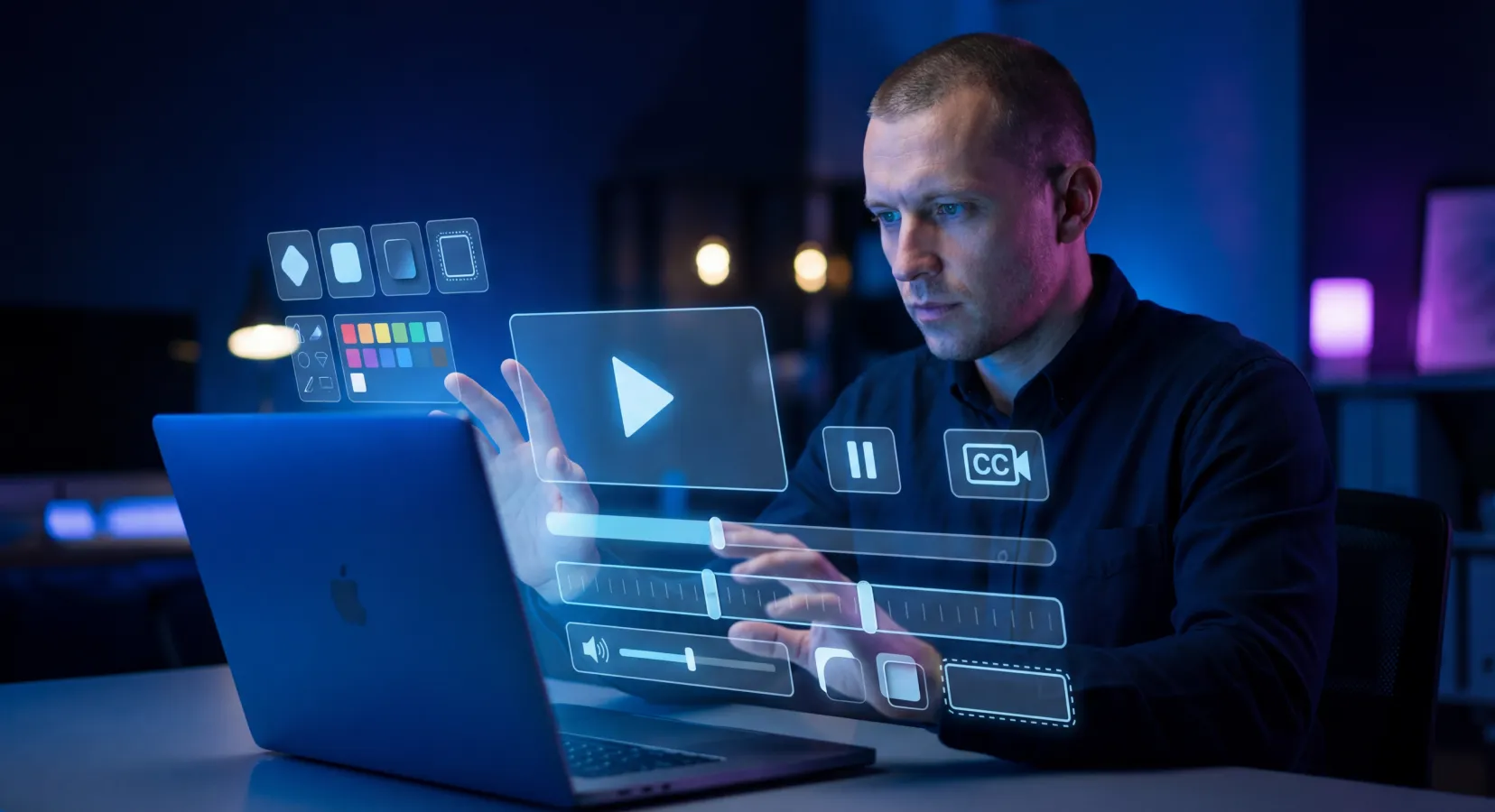
Ad-free, distraction-free videos
Your viewer will never be interrupted by ads that take attention away from your message.
DIFFERENTIATION
Show only what matters
Adjust the controls based on your strategy, reduce distractions, and keep the focus on your content or offer.

PERSONALIZATION
Strengthen your brand identity
A player aligned with your brand builds familiarity and trust, making your videos more memorable and professional.
STANDARDIZATION
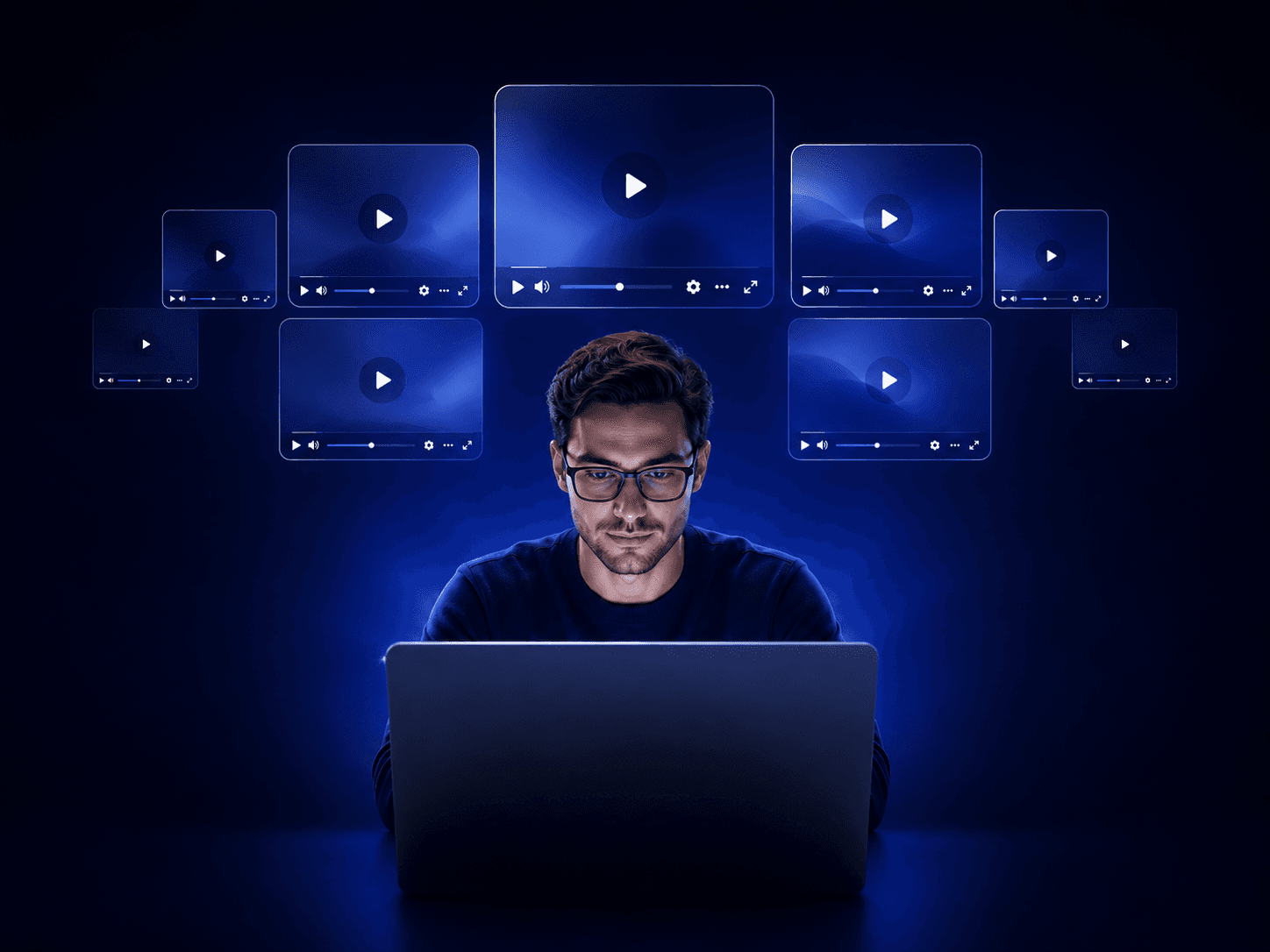
Less work, more consistency
Once the default is configured, your entire library keeps the same look and feel without manual effort.
BENEFITS
A premium experience from play to finish
EXPERIENCE
Ad-free, distraction-free videos
Your viewer will never be interrupted by ads that take attention away from your message.
DIFFERENTIATION
Show only what matters
Adjust the controls based on your strategy, reduce distractions, and keep the focus on your content or offer.
PERSONALIZATION
Strengthen your brand identity
A player aligned with your brand builds familiarity and trust, making your videos more memorable and professional.
STANDARDIZATION
Less work, more consistency
Once the default is configured, your entire library keeps the same look and feel without manual effort.
BENEFITS
A premium experience from play to finish
EXPERIENCE
Ad-free, distraction-free videos
Your viewer will never be interrupted by ads that take attention away from your message.
DIFFERENTIATION
Show only what matters
Adjust the controls based on your strategy, reduce distractions, and keep the focus on your content or offer.
PERSONALIZATION
Strengthen your brand identity
A player aligned with your brand builds familiarity and trust, making your videos more memorable and professional.
STANDARDIZATION
Less work, more consistency
Once the default is configured, your entire library keeps the same look and feel without manual effort.


Ask your questions
Frequently Asked Questions
Don't leave the page with any questions. See the answers to the most common questions from those interested in migrating to Panda Video.
Which player controls can I enable or disable?
You can control every button and behavior of the player, including: Play Button, Play/Pause, forward and rewind actions, volume, subtitles, MiniPlayer (PiP), AirPlay, Chromecast, and full screen. Enable only what makes sense for your video.
Can I hide the controls or disable pause in a sales video?
Yes. You can hide the video time display, disable the pause button, and disable double-tap forward, which are ideal for a VSL where you want minimal distraction.
Can I change the language of the player controls?
Yes. The language can be set to Automatic (recommended) or fixed in Portuguese, English, and others, which is useful for those with audiences in more than one country.
Do I need to configure each video separately?
No. You can define default settings so every new video is uploaded with your adjustments automatically.
Can I change plans at any time?
Yes. Start with the smallest plan and upgrade as your needs grow.
Is there any lock-in or minimum commitment?
No. You can cancel whenever you want.
Ask your questions
Frequently Asked Questions
Don't leave the page with any questions. See the answers to the most common questions from those interested in migrating to Panda Video.
Which player controls can I enable or disable?
You can control every button and behavior of the player, including: Play Button, Play/Pause, forward and rewind actions, volume, subtitles, MiniPlayer (PiP), AirPlay, Chromecast, and full screen. Enable only what makes sense for your video.
Can I hide the controls or disable pause in a sales video?
Yes. You can hide the video time display, disable the pause button, and disable double-tap forward, which are ideal for a VSL where you want minimal distraction.
Can I change the language of the player controls?
Yes. The language can be set to Automatic (recommended) or fixed in Portuguese, English, and others, which is useful for those with audiences in more than one country.
Do I need to configure each video separately?
No. You can define default settings so every new video is uploaded with your adjustments automatically.
Can I change plans at any time?
Yes. Start with the smallest plan and upgrade as your needs grow.
Is there any lock-in or minimum commitment?
No. You can cancel whenever you want.
Ask your questions
Frequently Asked Questions
Don't leave the page with any questions. See the answers to the most common questions from those interested in migrating to Panda Video.
Which player controls can I enable or disable?
You can control every button and behavior of the player, including: Play Button, Play/Pause, forward and rewind actions, volume, subtitles, MiniPlayer (PiP), AirPlay, Chromecast, and full screen. Enable only what makes sense for your video.
Can I hide the controls or disable pause in a sales video?
Yes. You can hide the video time display, disable the pause button, and disable double-tap forward, which are ideal for a VSL where you want minimal distraction.
Can I change the language of the player controls?
Yes. The language can be set to Automatic (recommended) or fixed in Portuguese, English, and others, which is useful for those with audiences in more than one country.
Do I need to configure each video separately?
No. You can define default settings so every new video is uploaded with your adjustments automatically.
Can I change plans at any time?
Yes. Start with the smallest plan and upgrade as your needs grow.
Is there any lock-in or minimum commitment?
No. You can cancel whenever you want.