Google Omni: 8 Practical Uses for Online Courses and VSLs

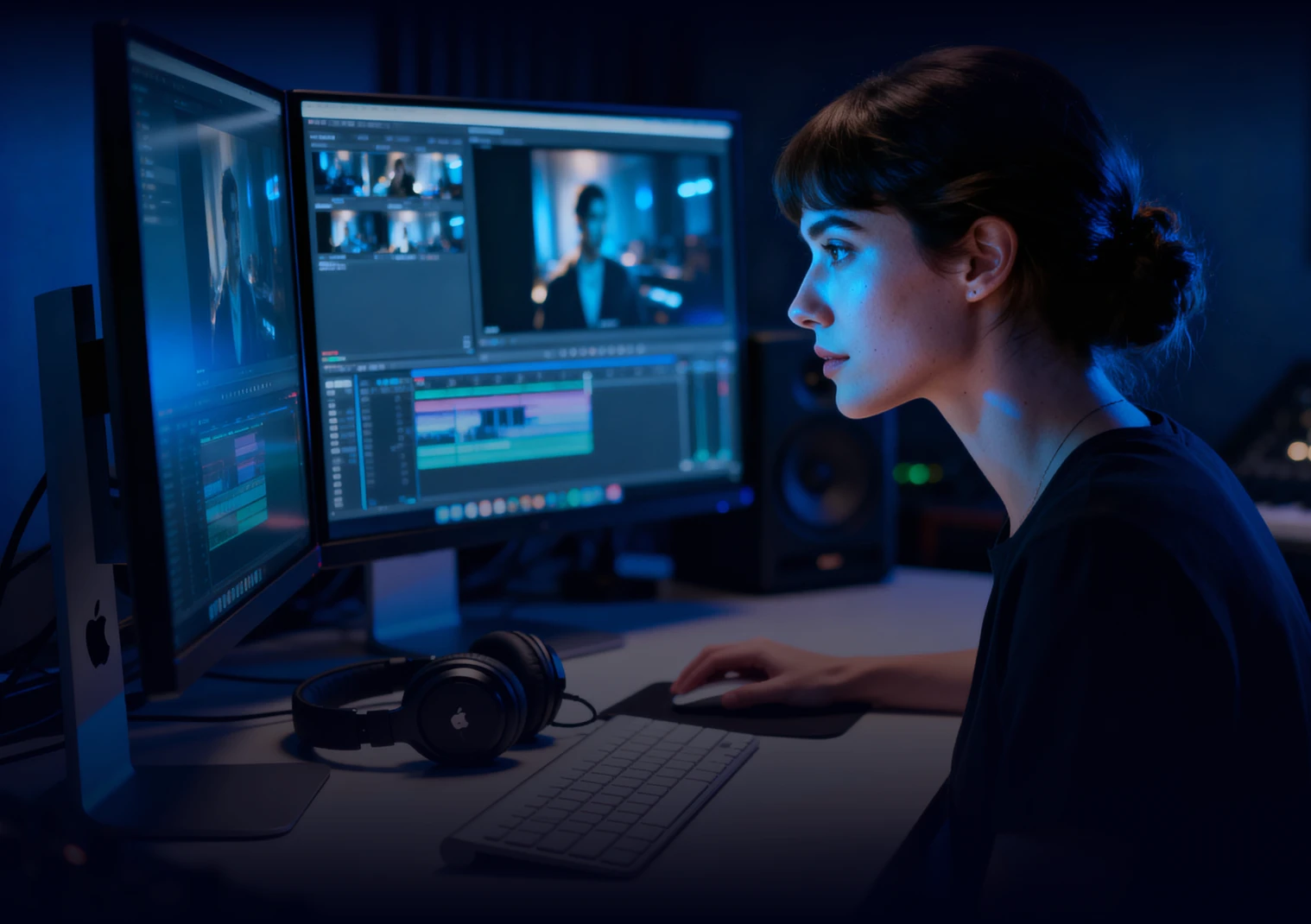
Google Omni, announced at Google I/O 2026, arrives as Google's new AI-powered video generation tool
And if you create online courses or use VSLs to sell, it's worth understanding what you can do with it.
In this article, you'll learn what Google Omni is, how it works, and how to apply it in the daily workflow of anyone working with digital products.
What Is Google Omni and Why Is It Different?
Gemini Omni Flash is Google's new AI model for video generation and editing. It replaces Veo as the company's primary video engine and introduces two major improvements compared to previous solutions.
It's natively multimodal. You can combine different types of input to generate videos. That means you can upload text, images, audio, and even existing video clips for Omni to create something entirely new.
Editing works like a conversation. You generate a clip, provide an adjustment prompt, review the result, and refine it with another instruction. The video's elements remain consistent throughout the editing process.
There are three ways to access Gemini Omni:
Free: YouTube Shorts and the YouTube Create app
Paid: Gemini app and Google Flow for Google AI Pro or Ultra subscribers
Developer API: Expected to be released in the weeks following launch (May 2026)
8 Practical Uses of Google Omni for Course Creators
Google Omni won't record lessons for you. However, it can be a powerful video marketing tool to enhance the visual quality of your content, including sales videos, ad creatives, and social media posts.
1. Create Attention-Grabbing Opening Scenes for VSLs
The opening of a VSL needs to capture attention within the first few seconds. A visually compelling scene helps keep viewers engaged before you even appear on screen.
With Omni, you can combine a reference image with your script and generate an impactful opening clip.
Video prompt: A man stands still while a city moves around him. There's giant billboards with falling sales numbers slide past from right to left. Strong parallax motion. Animated photo collage style, made from photographic cutouts and stop-motion frames.
Also read: Horizontal or Vertical VSL: Which Format Converts Better?
2. Generate B-Roll Footage Without Additional Filming
B-roll videos are supplemental shots that illustrate what is being discussed during a narration. In courses where someone is simply speaking to the camera, B-roll adds pacing and helps avoid a monotonous viewing experience.
B-roll footage makes any video more engaging, but it usually requires time and money—whether you're searching for quality stock footage (often paid) or spending a day recording your own material.
With Omni, you simply describe the scene in text, and the model generates the clip.
Some practical examples:
Financial management lesson: "slow-motion falling banknotes, soft lighting, neutral background"
Marketing lesson: "person presenting a report at a table with business executives"
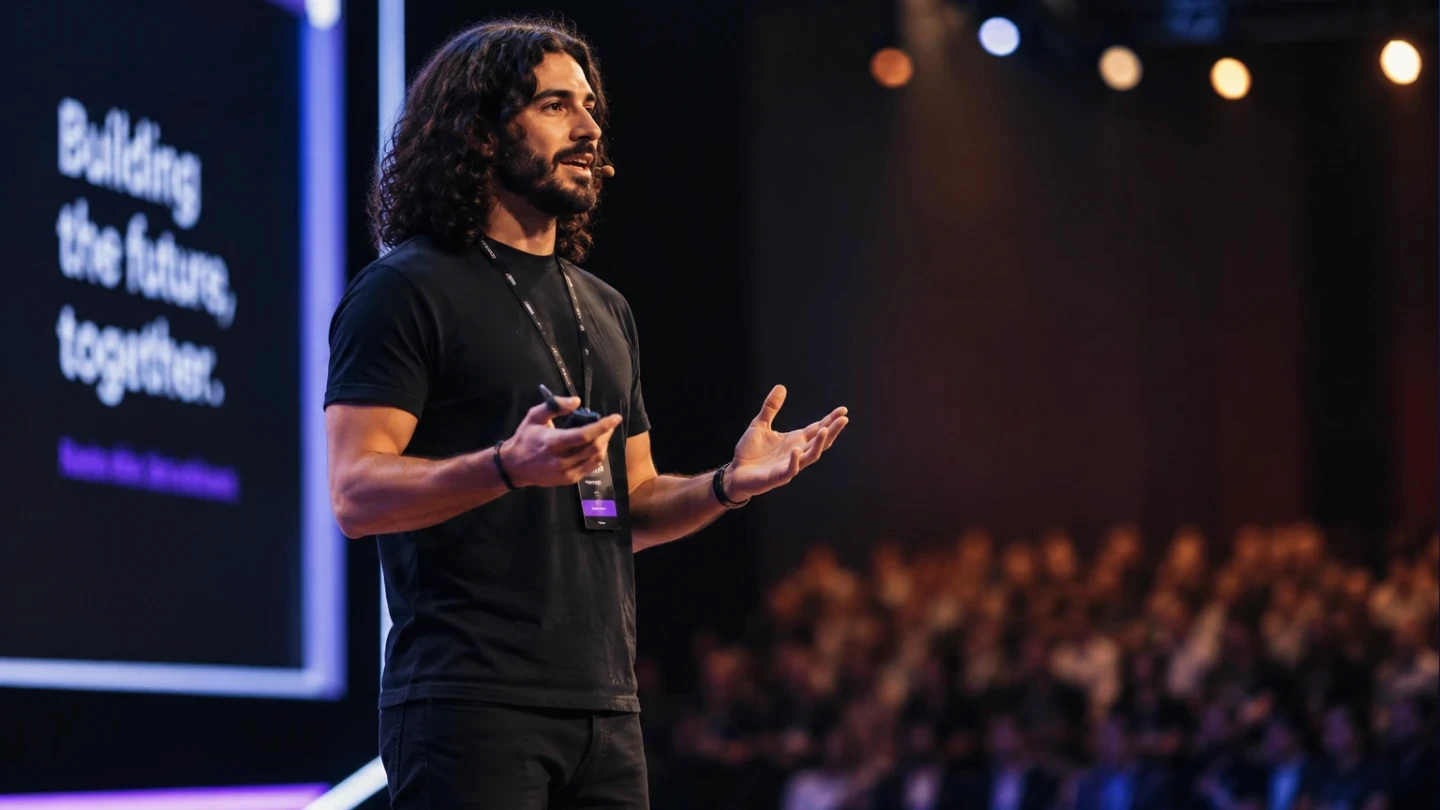
The result doesn't replace professional footage, but it works well to enrich lessons that currently rely only on slides.
Video prompt: Speaker presenting on a modern stage. Audience blurred in the background. Professional conference atmosphere.
3. Turn Static Slides into Animated Videos
Slides are excellent for presenting information. Now imagine being able to animate them.
The process is simple:
Export the slide as an image
Upload it to Omni
Ask the AI to animate the elements: text entrances, background transitions, icon movements, and more
The result looks similar to motion design—without requiring After Effects.
Video prompt: Animate the character entering from the right and sitting naturally on the couch until reaching the final pose shown. Reveal the text on the left with a smooth fade and slide-in animation.
4. Create Animated Explainers for Complex Concepts
You know when someone says, "Do I need to draw it for you?" Google Omni can do the drawing for you.
Some concepts become much easier to understand when presented visually through animation.
As a course creator, ask yourself: what concepts would be easier to explain with an animated visual?
Here are some ideas:
"Create a stop-motion animation explaining how a three-stage sales funnel works"
"Explain the difference between recurring and one-time revenue using a simple animation"
"Illustrate the difference between simple and compound interest over time"
5. Create Multiple Video Ad Variations
Most course creators run ads using the creative assets they managed to produce—not necessarily the ones they wish they had.
Google Omni unlocks new creative possibilities, allowing you to generate videos from entirely different angles.
Starting with a base video, you can create variations through text prompts:
Change the background setting to test different contexts (office, outdoor environment, minimalist studio)
Adjust the color palette to match different audiences or seasonal campaigns
Add visual effects to highlight the CTA moment
Transform the visual style of the scene (for example, from realistic to animated)
Also read: How to Run Remarketing Campaigns for Video Viewers
6. Add New Visual Elements to Shorts and Reels
The same concept as the previous tip—but instead of ad creatives, use it for organic content.
For Shorts and Reels, where scrolling is relentless, an extra visual layer can be enough to keep viewers watching for a few more seconds.
And those few seconds often determine whether the algorithm distributes your video more broadly.
7. Create a Digital Avatar to Present Content at Scale
Omni includes an avatar feature that creates a digital version of your appearance and voice, allowing you to generate videos without standing in front of a camera.
As far as I've seen, avatars can only be created within Google Flow. To access the feature, click your profile picture in the upper-right corner and select the avatar creation option.
It's also worth noting that all videos generated with Omni include Google's invisible SynthID digital watermark.
8. Create Data Visualizations for Sales Pages
Numbers sell—but numbers in motion sell even more.
With Omni, you can create short clips that visualize results: a progress bar filling up, a graph forming on screen, or a transformation timeline unfolding.
These are the types of visual elements commonly used on sales pages and in video testimonials to make results feel more concrete and tangible.
Limitations You Should Know About
Google Omni is a powerful tool, but it has limitations that affect day-to-day usage.
Clip Length
Gemini Omni Flash generates clips of up to 10 seconds per prompt. For longer videos, you'll need to chain multiple generations together and edit them externally.
Daily Generation Limits
The number of videos you can generate depends on where you're using the tool.
In Gemini, the limit is three videos per day.
In Google Flow, you receive 50 credits per day, and each generation consumes between 7 and 15 credits depending on the configuration.
In practice, this means approximately 3 to 7 videos per day in Flow. Large-scale generation is not yet feasible.
Frequent Instability
The model is still in the early stages of adoption and experiences frequent issues, especially during peak usage hours.
Generation attempts may fail due to high demand. This is a real limitation for anyone looking to integrate Omni into a production workflow with strict deadlines.
It Doesn't Replace Recording Your Content
Omni is a complementary visual production tool. The lesson content, teaching methodology, and presentation itself cannot—and should not—be outsourced.
Great Videos Need Professional Hosting
Improving your video's visual quality with AI is important. But when it comes to online courses or sales videos, you still need a reliable video hosting platform.
Panda Video offers features built specifically for hosting sales videos and online courses, including Smart Autoplay, interactive CTAs, retention analytics, and anti-piracy protection.
Try Panda Video for free and discover how to host your videos professionally, with security and a focus on results.