Masterclass: what it is and how to use it to attract students
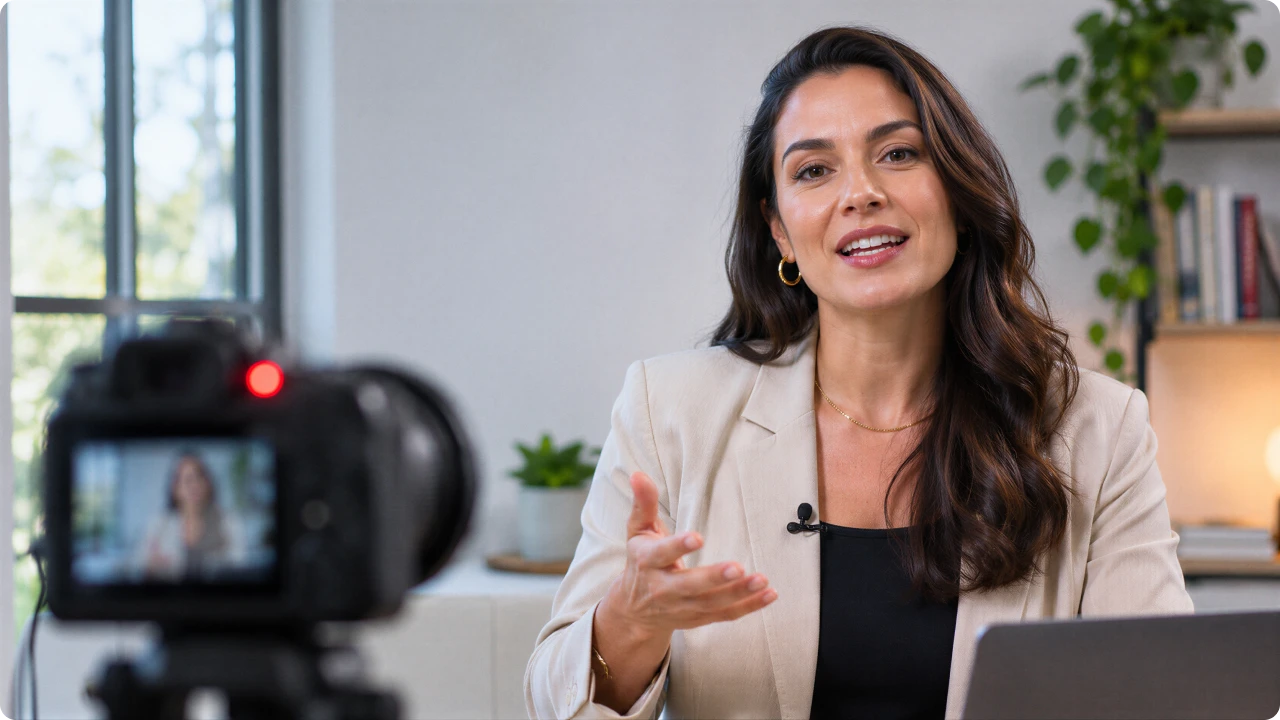

Masterclasses have become a common format in the online course market. The term appears in ads for free lessons, new course launches, and events featuring experts, which often raises a question about what a masterclass is actually for.
In this article, you'll learn what a masterclass is, what the term means, and how it works in practice. More importantly, you'll discover how to turn a single lesson into an entry point for your course, with a step-by-step guide covering everything from choosing a topic to presenting your offer, including replays and performance metrics.
What is a Masterclass?
A masterclass is a lesson, usually a standalone session, led by someone with expertise in a subject and focused on exploring a specific topic in depth. It can be live or recorded, online or in person, free or paid.
In the online course market, the term has come to describe a lesson that introduces an expert's teaching method before presenting the full course.
The Cambridge Dictionary defines a masterclass as a lesson taught by someone with specialized knowledge or skill in a particular field. In other words, the value of the term comes from the person teaching it.
How a Masterclass works
In practice, masterclasses come in three formats:
Live online: streamed at a scheduled date and time, with a chat for questions;
Recorded: available on a page for anyone to watch at any time;
In person: held in an auditorium, at an event, or in a dedicated space.
A masterclass can be free or paid. When the goal is to attract students to a course, it's almost always free or offered at a symbolic price because it serves as the first introduction to your teaching method.
There is no fixed rule for how long a masterclass should last. The Digital Manager Guru blog suggests an average of 1.5 to 3 hours, with shorter free online versions lasting around 45 minutes. But the number that really matters isn't the total duration. It's how many people are still watching when you present your course. We'll return to this in the metrics section.
What's the difference between a Masterclass, Webinar, and Workshop?
These terms often overlap in the market. Even so, each usually represents a slightly different approach.
A masterclass explores a topic in depth with someone who has expertise in the subject. Interaction is generally moderate, with questions at the end or through the chat. When used to attract students, its purpose is to demonstrate the teaching method and introduce the course.
A webinar is an online broadcast with an educational or informational purpose, which may take the form of a lecture, seminar, or presentation.
A workshop focuses on learning by doing. Interaction is high, with exercises throughout the session, and the goal is for participants to leave with something they've created themselves.
Why use a Masterclass to attract students?
Many creators choose the term masterclass for a student acquisition lesson because it suggests depth and expertise. It's a promise of quality built into the title itself, and the lesson is your opportunity to deliver on that promise.
Before buying a course, students want to know whether the instructor can actually teach. A masterclass answers that question just as effectively as a sales page, for four reasons:
Proof instead of promises. Students see you teaching and leave with a tangible result. That makes it much easier to trust your course.
It identifies people with genuine interest. Someone who stays until the end of a 40-minute lesson on a specific topic is one of the warmest leads you can get.
It builds a registration list. Even people who don't buy right away leave their contact information and may become students in your next cohort.
It works with both sales models. Live masterclasses are ideal for launching a cohort on a specific date, while recorded ones can generate sales continuously.
Read also: How to Build a Qualified Audience and Sell Every Day
How to create a Masterclass that attracts students: step by step
To make this practical, we'll use a hypothetical example throughout the process: an expert who sells an Advanced Excel Course and wants to use a masterclass to attract students.
Choose a small problem that your course solves completely
Your masterclass needs to deliver a quick win directly connected to your course. In our example, the course covers Excel from start to finish, including advanced formulas, pivot tables, charts, dashboards, and task automation.
The masterclass covers just the first step: building an expense tracking spreadsheet. Participants leave with something useful and realize there's much more they can learn.
Write a specific promise
Your masterclass title is your first ad. It should explain what result participants will achieve and how long it will take.
Compare "Advanced Excel Course" with "Build Your Expense Tracking Spreadsheet in 40 Minutes." The second makes it clear what participants will gain by attending. The first could mean almost anything.
Choose the format: live or recorded
A live masterclass works well for launching a cohort on a specific date. Its main advantage is interaction, with chat, questions, and the atmosphere of a live event. The challenge is getting people to show up at the scheduled time.
A recorded masterclass is always available and works well for ongoing sales, whether through paid ads or organic traffic. Its main advantage is being accessible at any time, with the offer appearing at the right moment. The challenge is keeping viewers engaged without the atmosphere of a live event.
A common approach is to start live, learn from your audience's questions, and then turn the best version into a recorded masterclass.
Create the registration page and reminders
Your registration page can be simple. It needs to include:
The promise (your masterclass title);
The date and time, if it's live;
What participants will learn, in three or four points;
Who will teach the lesson and why they're worth listening to;
A short registration form.
After registration, send reminders by email and WhatsApp: the day before, one hour before, and when the lesson starts. With live masterclasses, people who forget simply don't show up.
Structure the lesson: opening, content, transition, and offer
A lesson can be excellent and still fail to convert viewers into students. What makes a masterclass an effective student acquisition tool is its structure, which can be divided into six parts:
Short opening: explain what participants will achieve by the end of the lesson and introduce yourself;
Content: actually teach something. Share a method, a three-step process, or something participants can put into practice;
Proof: show results from real students in your course, if you have them;
Transition: connect the lesson to the course. Something like: "What you just did is the first step. The complete process is covered in the course.";
Offer: introduce the course, who it's for, the price, bonuses, and deadline;
Questions: answer participants' questions, which are often objections to buying.
In our spreadsheet example, the transition would feel natural with something like: "With this spreadsheet, you've already used some of Excel's most important functions. In the course, you'll go much further, learning pivot tables, dashboards, and automations that save time in your daily work."
Read also: How to Price an Online Course in 5 Steps
Choose the right tool for Live Streaming
A live masterclass that freezes or buffers will lose viewers along the way. That's why your streaming tool matters.
Panda Video's live streaming runs on AWS infrastructure, with low latency and high performance to maintain stable, high-quality playback throughout the broadcast. You configure a single stream key and reuse it for every live session, using OBS, StreamYard, or another streaming tool.
You can stream simultaneously to your membership area and other platforms, embed the live stream in your membership area or website, and enable live chat with real-time statistics in the same dashboard.
And most importantly for the next steps: when the broadcast ends, the recording is automatically saved and ready to use.
Make the most of your recording after the live session
Once the live session ends, the recording can start working for you in two ways: first as a replay, and then as an always-available masterclass.
During the launch, the replay gives people who couldn't attend live a second chance. It works best with a deadline, so decide how long the recording will remain available and let registrants know. This gives them a reason to watch now instead of putting it off until "someday."
After the launch, the same recording can become an always-available masterclass. Publish the lesson on a page and make the course invitation appear at the exact moment you present the offer, using Panda Video's CTA Buttons, which can appear inside or below the player.
To keep viewers engaged until that moment, Smart Autoplay starts the video as soon as someone lands on the page, while the Dummy Progress Bar helps keep them watching.
Read also: How to Create Sales Pages with a Time Delay in WordPress
Metrics to know whether your Masterclass is attracting students
A masterclass can fall short at several stages of the process. The metrics show exactly where:
Metric | What it shows | Where to check |
Registration rate (visits that turn into sign-ups) | Is your promise attracting people? | Registration page |
Attendance rate (registrants who show up) | Are your reminders working? | Live streaming tool |
Retention until the offer (how many people were still watching when the offer appeared) | Is the lesson holding viewers' attention? | Video retention graph |
Offer clicks | Is the transition convincing? | Links with UTM parameters (tags that identify where clicks come from) on the CTA button |
Sales (viewers who purchased) | Does the offer make sense for this audience? | Payment platform |
Live sales vs. replay sales | Is it worth extending replay availability? | Payment platform, with separate UTM parameters |
Common mistakes in student acquisition Masterclasses
The first mistake is choosing a topic that's too broad. "Marketing Masterclass" doesn't tell people what they'll gain, so choose a topic that promises a specific result.
The second is teaching everything or teaching nothing. If the lesson delivers the entire course, there's no reason left to buy. And if it's nothing but a sales pitch, participants feel misled.
Another mistake is presenting the offer too late. If your retention data shows that a large portion of viewers leave before the offer, move the transition earlier.
Conclusion
A masterclass is a lesson led by someone with expertise in a subject. In the digital market, it has become one of the most natural ways to demonstrate your teaching method before making a sale. It works when it solves a small problem and makes it clear that your course provides the complete solution.
The process follows the same steps: a specific promise, registration with reminders, a lesson structure that includes a transition and an offer, a replay with a deadline, and then a recording that continues working for you.
Panda Video supports this entire process, from start to finish, with live streaming and automatic recording, tracking pixels to run ads targeting people who watched, CTA Buttons that appear at the moment of the offer, and retention graphs to help improve your next masterclass.
Start a free trial and host your next masterclass on Panda Video.